Photo
Make the details feel finished.
Retouch with layers, masks, and color controls. Inspect the tonal range, compare the original, and revisit your edits with layer history before saving the finished image.
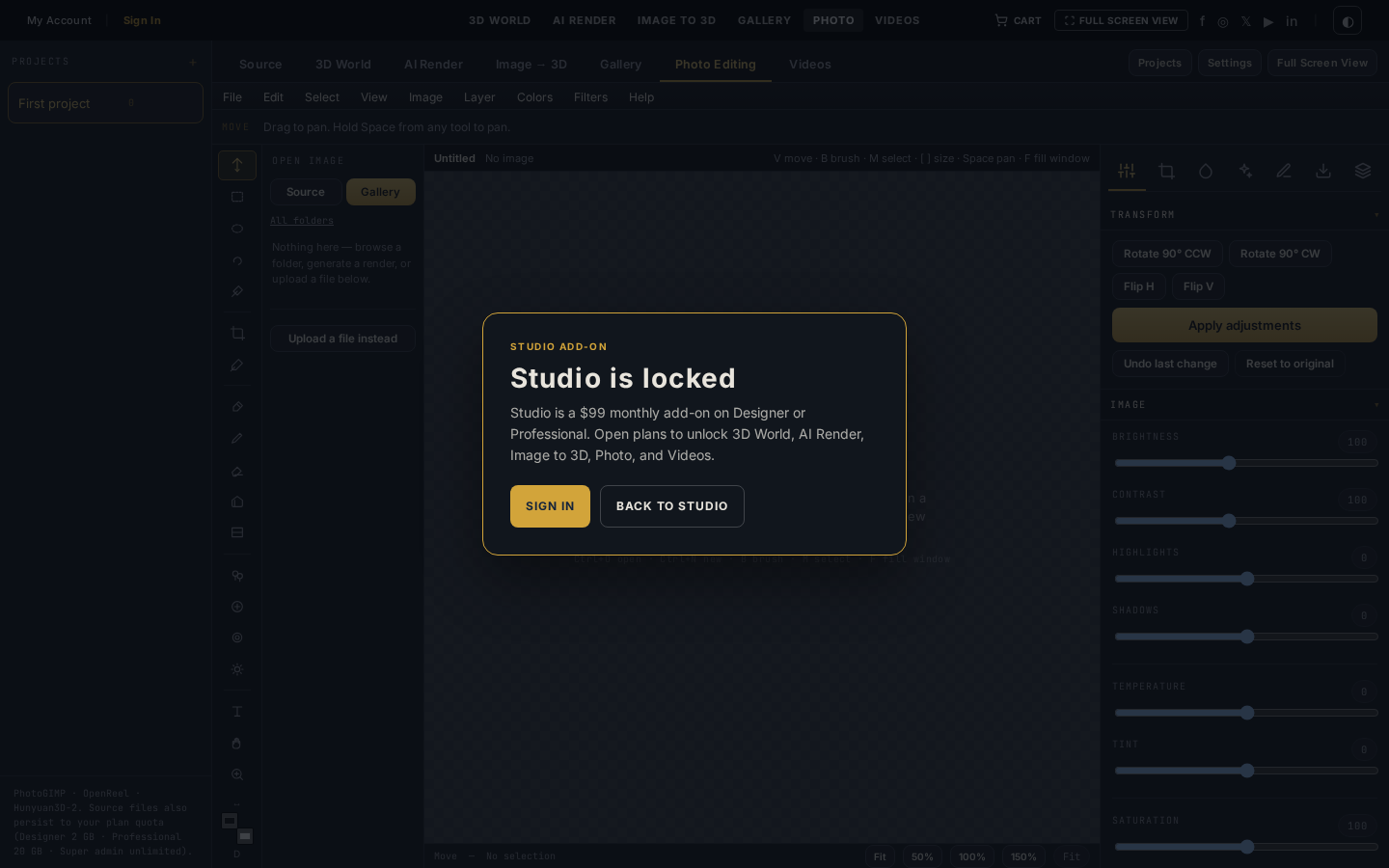
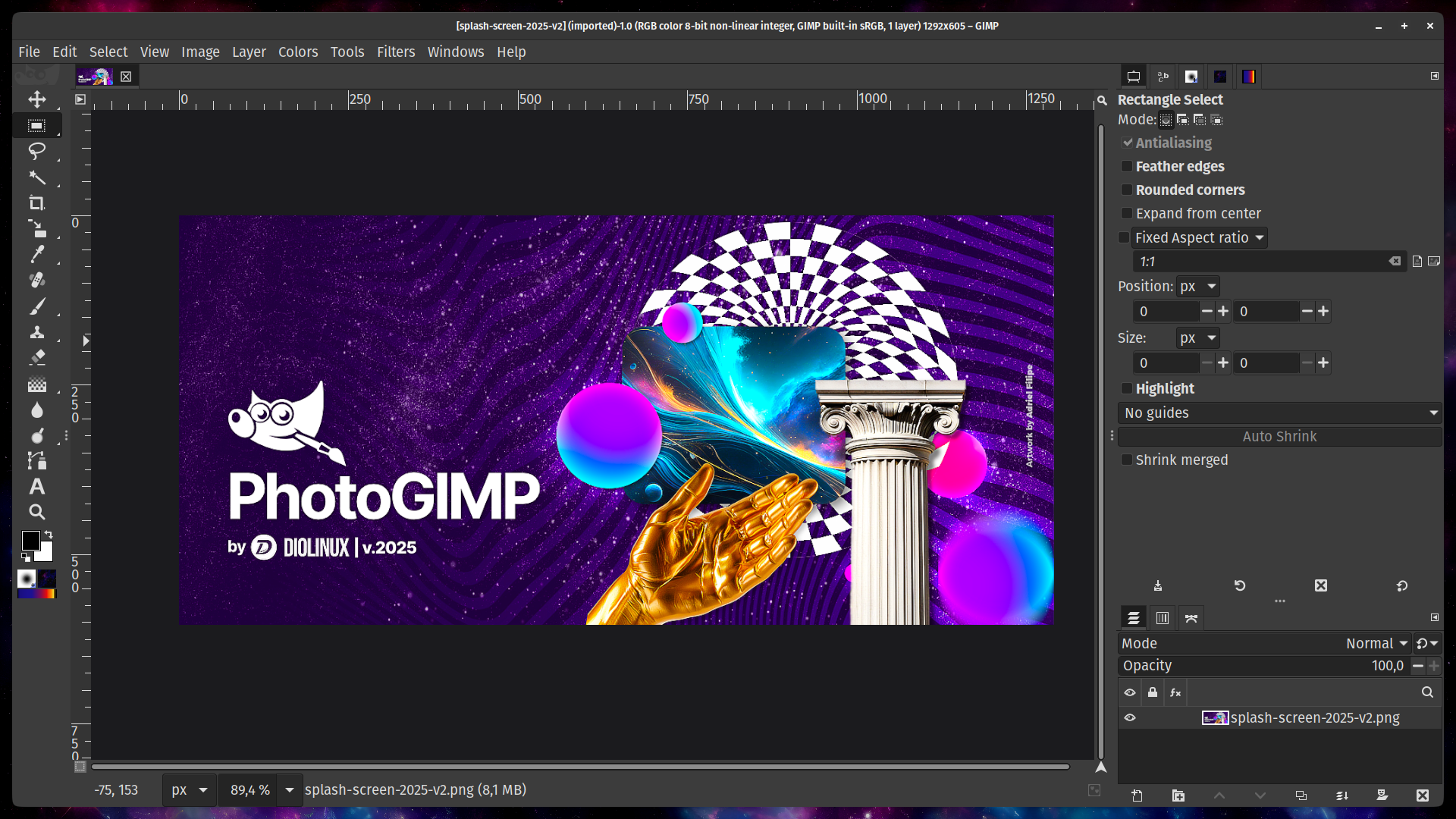
Inside the workspace
PhotoGIMP bench
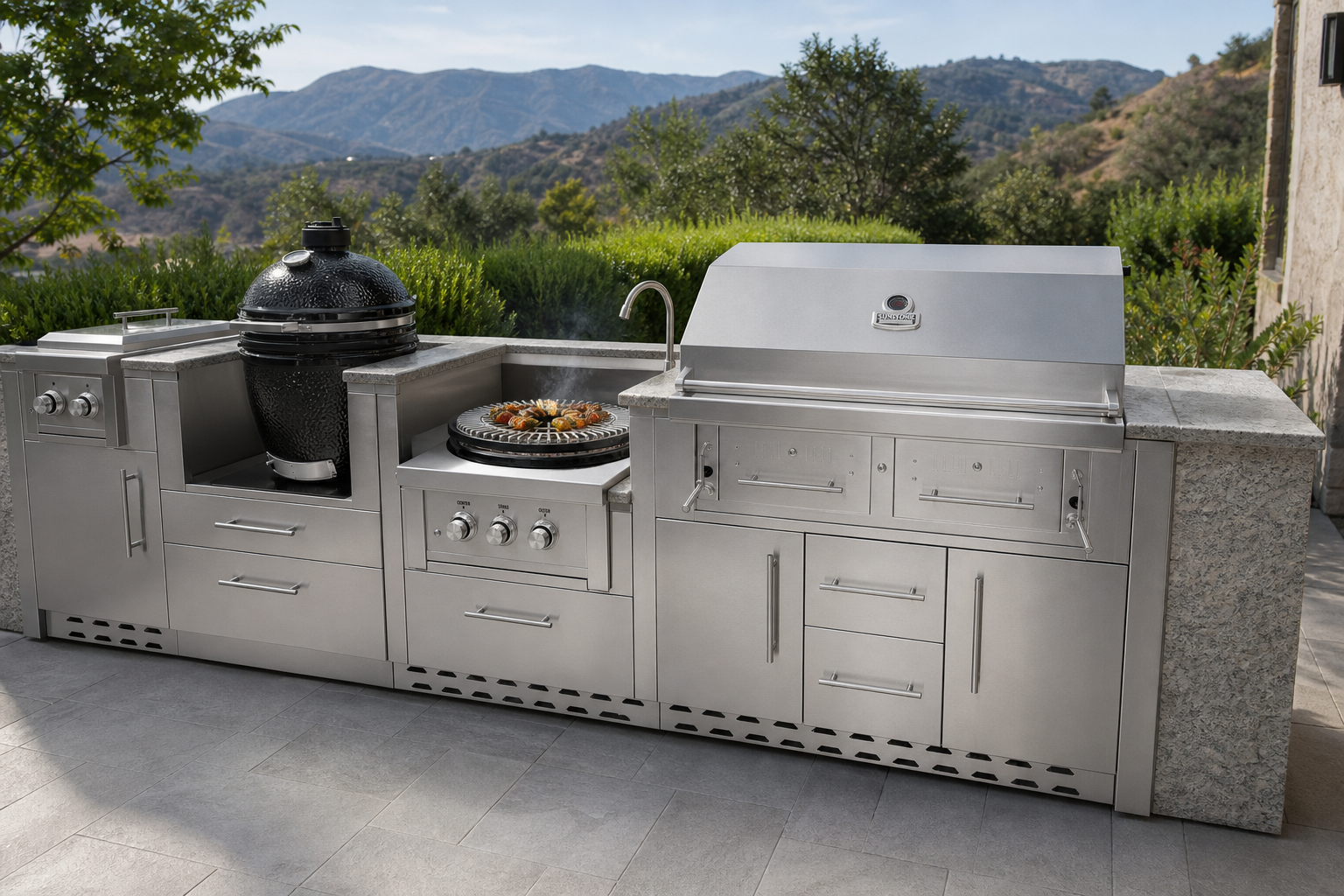
Photoshop-style menus, tool strip, layers, histogram, and color on a kitchen still from the shared library.
Your tools, within reach.
Retouch with layers, masks, and color controls. Inspect the tonal range, compare the original, and revisit your edits with layer history before saving the finished image.
- Editor
- PhotoGIMP in the browser
- Files
- Shared Source + Gallery
- Access
- Studio add-on · $99 / month
- Save
- Sign in required
Layers with history
Stack, hide, duplicate, and flatten. Undo and redo preserve each checkpoint's layers, opacity, blend modes, and transparent pixels.
See the color clearly
Adjust tone, temperature, tint, saturation, and vignette. Check the RGB histogram and compare the original without changing your working image.
Select, mask, crop
Marquee, lasso, crop to selection, rotate, and fill. Keyboard shortcuts match the PhotoGIMP map.
Save both ways
Save to Gallery for the finished plate. Save to Source when the retouch becomes the next generate.
From source to result.
- 01
Open a still
Pick a Gallery render or a Source photo. The file browser lists the same folders the rest of the lab uses.
- 02
Retouch the plate
Crop, grade, mask, and stack layers. Undo/redo and keyboard shortcuts stay in the PhotoGIMP layout.
- 03
File the version
Export a download, or save into Gallery / Source so AI Render and Videos can pick it up.
Explore the workflow.
Also in the lab
- Sign in to save, upload sources, and run paid generates
- Studio is a $99 add-on on Designer or Professional
- Credits come from the same plan pool
Make the details feel finished.
Studio is the $99 add-on on Designer or Professional. Sign in to save. Credits power every generate.